


Finding the Right Fit
Everyone’s chasing efficiency these days, and automations are at the heart of that race. Automation has become a game-changer – suddenly, tasks that used to eat up hours are now handled in minutes. When it comes to picking up the right automation tool, things get tricky. Do you pick a code-heavy solution that lets you fine-tune everything, or do you pick a no-code tool that’s faster and simple? Let’s break down the key factors and challenges of each approach to help determine the right choice.
Automation Tools
Code-Based
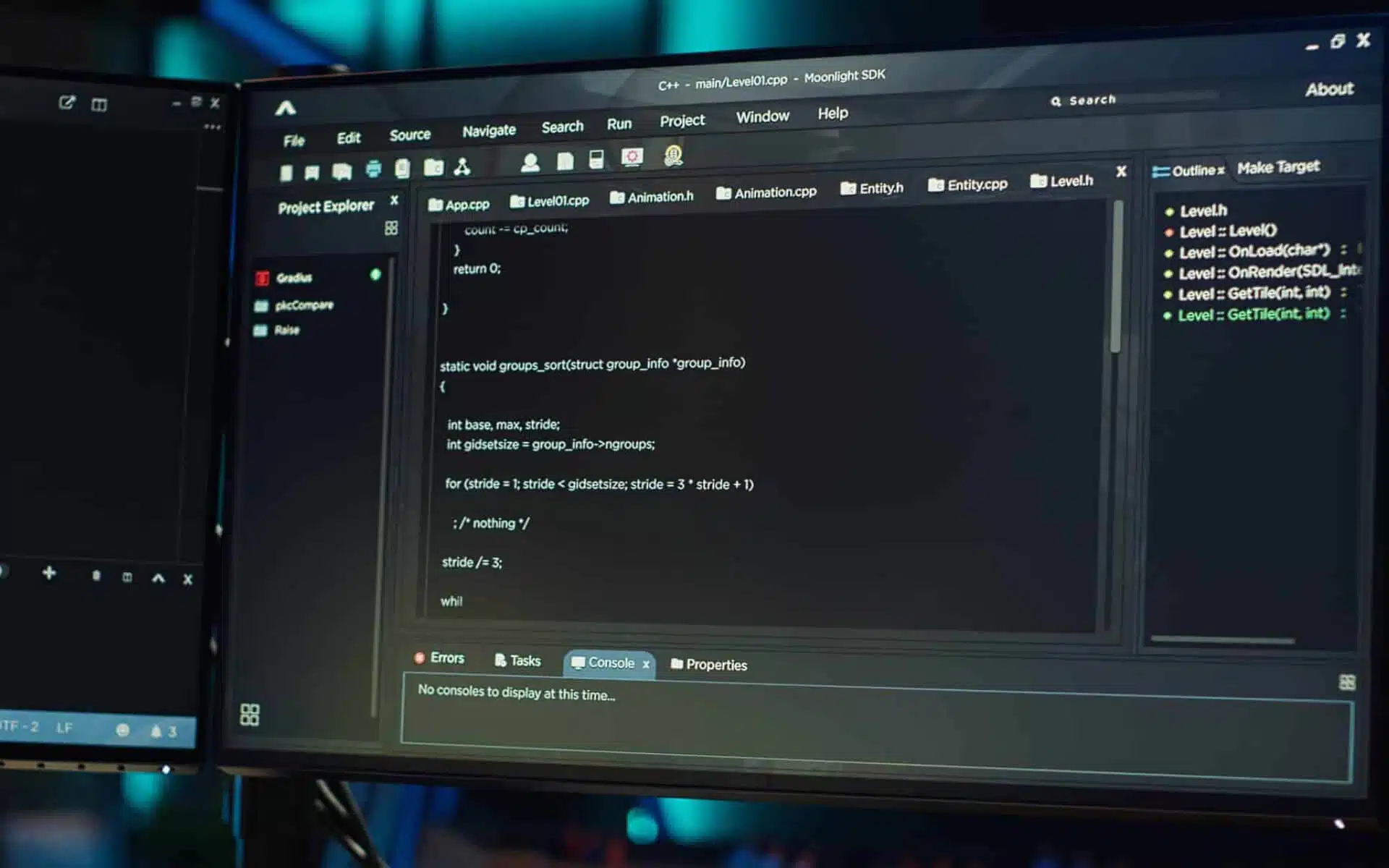
Is the traditional approach. You write test scripts using programming languages such as Java, Python, or C# and then run them through frameworks like Selenium, Playwright, and Cypress. You are in the driver’s seat here. You can automate anything you want, down to the last detail. But here’s the catch: you need people who can code, and you’ll spend a lot of time building and fixing those scripts. Maintenance isn’t a one-time thing, either. Every system update or API change means more work. If your automation needs to explode down the road, you might hit some growing pains and must rework big chunks of what you have already built.
No-Code Based
In contrast, no-code tools flip the script. Most of these tools or framework feature user-friendly visual interfaces, record and playback functionalities and ready-made actions. It’s easy to get started, and you can build your test automation quickly even if you have no programming experience. This can help team members work together better and move faster.
But no-code tools too have limits. You’re stuck with whatever frameworks and connectors the platform supports. If you need to create a custom feature and use them, it would be hard to implement it. You also give up a lot of control, which can be frustrating if you want to tweak the details. Scaling up can get messy. Also, it’s not always easy to take your automations with you, if you decide to switch tools later.
Key Factors to Consider
| Key Factors | Code-Based | No-Code |
|---|---|---|
| Technical Expertise | Requires solid grasp of programming language | No technical expertise is required |
| Flexibility | Unlimited, provides full control | Limited customization, relies on pre-built integration |
| Development Speed | Slower development cycle; weeks to months | Faster development; days to weeks |
| Cost | Higher upfront cost; involves developer time and resources | Lower upfront cost; typically subscription-based |
| Scalability | Highly scalable | Limited; can struggle with complex or large-scale automation |
| Maintenance | Higher with frequent upgrades and updates | Lower, with self-healing features |
| Ownership | Complete control over updates, maintenance and security | Little to no control |
Limitations
Code-Based
Learning Curve: Developing the code requires proficiency in programming and frameworks. It also necessitates a firm grasp of API integration and debugging.
Time-Intensive: A small change to the code requires good amount of time to integrate, test and deploy. It can become time-consuming when working with complicated workflows.
High Maintenance: Significant time and effort on a regular basis are required for the automation to function smoothly after system upgrades or changing business needs.
Technical Debt: A code-based solution must be extensively rewritten or completely redesigned to be expanded. The entire solution may deteriorate and become unmanageable if the growth wasn’t anticipated from the beginning.
No-Code Based
Limited Flexibility: Provided with a solid set of templates, modules and connectors. If any additional features or system integrations are required, it’s not supported.
Reduced Control: The user will have no control over the inner workings of their automation flows since it is hidden under the hood. Fine-tuning or tweaking advanced settings are not an option at all.
Scalability Constraints: Is more suitable for small to medium-sized automations. However, it can turn out be slow and lagging when handling large volumes of data or heavier tasks.
Vendor Lock-in: Automations built within the platform stays there and might not be easily transferred or exported if you decide to move to a different tool or build your own solution.
Performance Limits: Is not optimized for performance as custom code. Hence can lead to slower execution times.
How to Make the Decision
Deciding to choose between codeless and code-based tools, isn’t just a simple yes-or-no decision. You need to consider certain factor like project’s needs, team’s skills, the budget, what you are trying to achieve with testing. Codeless testing tools are suitable for testers who are not proficient in coding but want an easy and fast way to create and run tests. On the other hand, if you have a team who knows their way around the code and want more control over the testing process, code-based tools feel right.
Alternatively, you can also opt for a hybrid approach if you don’t have to pick just one, though. Mixing both can work out better, if you want to take advantage of the best part of each approach. This way, you can use no-code tool for simple or routine tests, and code-based for challenging or custom tests.
In conclusion, test automation is important for delivery high-quality software. Both code-based and no-code automation tools have their strengths in the automation ecosystem. The best choice depends on the project’s size and complexity. If you just need something simple, fast, low-cost solution, no-code automation is a great option. However, if you required complete control and the ability to scale up, code-based automation is the way to go. Pick what fits your business – not just what’s trending.
Curious to learn more about how we use Automation at MERAK? Check out our Automation/Integration Services: Automation and Integration
Last Updated: November 22, 2025